SRT to VTT Online Free: The Complete 2026 Subtitle Guide
Converting subtitles from SRT to VTT online free is one of those small technical tasks that trips up creators, teachers, and marketers every single day. You export captions from one program, try to add them to a web video, and suddenly nothing shows up. The culprit is almost always the file format. In 2026, with web video everywhere, knowing how to switch between these two subtitle formats is a genuinely useful skill.
This guide explains the difference between SRT and VTT, why the web prefers one over the other, and how to convert your files in seconds without installing anything. We will also share accessibility tips that keep your captions readable for every viewer.
Why Convert SRT to VTT Online Free?
SRT (SubRip Subtitle) is the most common caption format in the world. It is simple, plain text, and supported by nearly every media player. VTT (WebVTT) is its web-native cousin, designed specifically for the HTML5 <track> element. When you convert SRT to VTT online free, you make your captions compatible with modern browsers and streaming platforms.
The practical difference matters. If you upload an SRT to an HTML5 video player, it often fails silently. Swap in a VTT file and the captions appear instantly. That single conversion saves hours of troubleshooting.
Many publishers rely on trusted professionals to handle their video SEO, but understanding subtitle formats yourself keeps your content accessible and search-friendly without waiting on anyone.
The accessibility and SEO payoff
Captions are not just a convenience. They widen your audience to deaf and hard-of-hearing viewers, help people watching on mute, and give search engines readable text to index. Google cannot “watch” a video, but it can read a caption track, which strengthens your on-page relevance.
SRT vs VTT: Key Differences
Both formats look similar at a glance, but a few technical details separate them. The table below makes the comparison clear.
| Feature | SRT | VTT |
|---|---|---|
| Full name | SubRip Subtitle | Web Video Text Tracks |
| Web (HTML5) support | Limited | Native |
| Timestamp separator | Comma (,) | Period (.) |
| Styling & positioning | No | Yes (CSS-like cues) |
| File header | None | WEBVTT required |
Notice the two most important changes during conversion: the timestamp separator switches from a comma to a period, and the file gains a required WEBVTT header at the top. A good converter handles both automatically.
How to Convert SRT to VTT in Three Steps
You do not need video-editing software for this. A browser-based converter does the whole job.
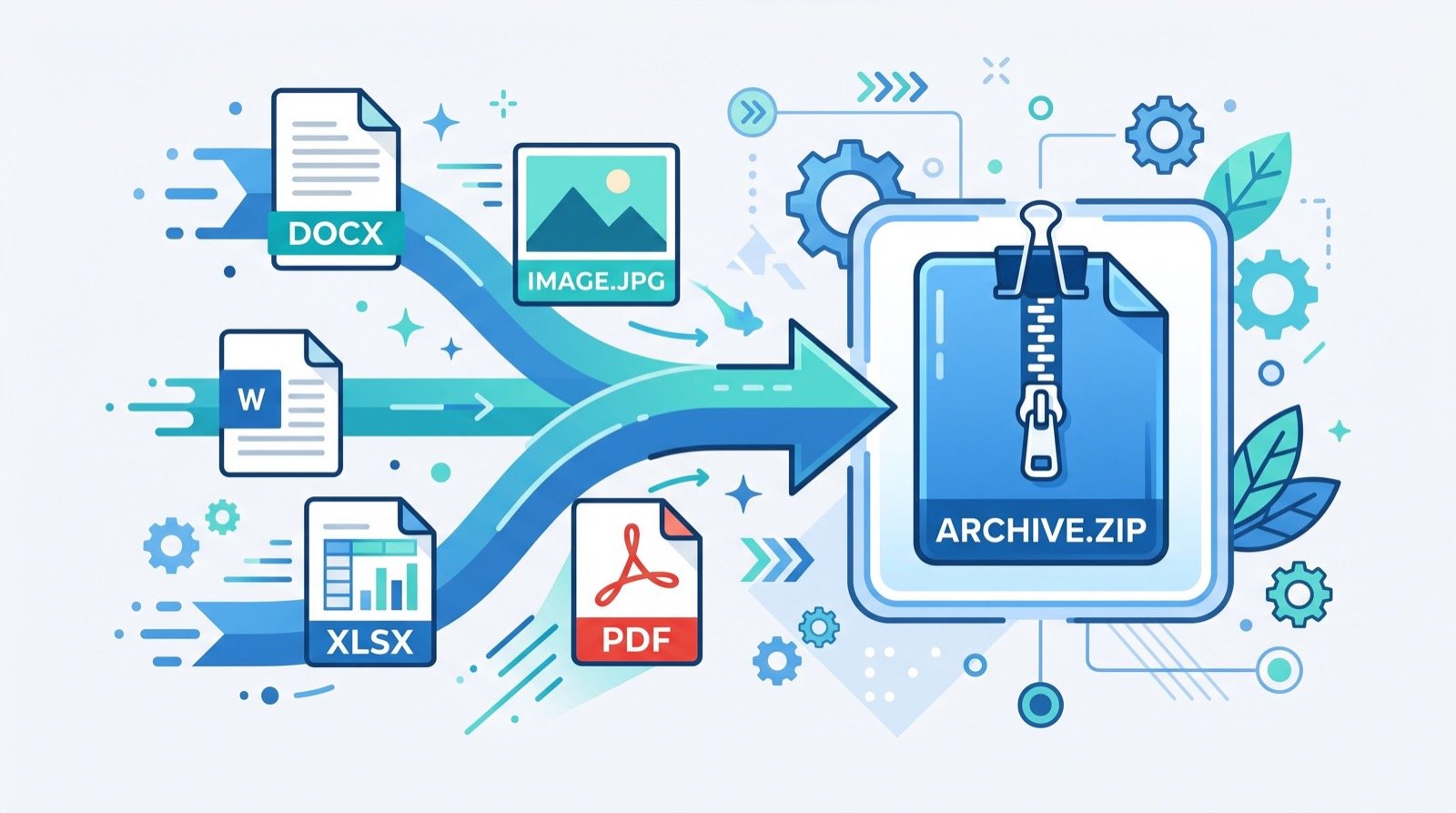
- Upload your SRT file. Drag and drop the original caption file into the converter.
- Convert instantly. The tool rewrites the timestamps, adds the WEBVTT header, and preserves your line breaks.
- Download the VTT. Save the new file and attach it to your HTML5 video with a
<track>tag.
You can convert srt to vtt online free in your browser, which keeps the process fast and avoids uploading sensitive content to desktop software you may not trust.
Adding the VTT to your web page
Once you have the file, embedding it is straightforward:
- Place the VTT file on your server alongside the video.
- Add a
<track kind="captions" src="captions.vtt" srclang="en" label="English">inside your<video>element. - Test playback in two browsers to confirm the captions render.
Common Conversion Mistakes to Avoid
Most failed subtitle files come down to a handful of avoidable errors. Watch for these.
- Missing WEBVTT header. Without it, browsers reject the file entirely.
- Wrong timestamp punctuation. Commas in a VTT file break the cue timing.
- Incorrect encoding. Always save as UTF-8 so accented characters display correctly.
- Overlapping cues. Two captions competing for the same moment can flicker or vanish.
According to the W3C WebVTT specification, the format follows strict rules for cue timing and the mandatory header, which is exactly why a dedicated converter beats manual find-and-replace.
A fun detour: other text encodings
Subtitle work often sparks curiosity about other ways to encode text. If you enjoy puzzles, experimenting with a morse code translator is a surprisingly engaging way to understand how humans have encoded language across different media for over a century.
When Captions Make the Biggest Difference
Captions are no longer optional for serious creators. Studies of social platforms consistently show that a large share of video is watched with the sound off, especially on mobile feeds. Without captions, that silent audience scrolls straight past your message.
Educational content gains the most. A lecture, tutorial, or product walkthrough becomes searchable, skimmable, and far easier to review when accurate captions accompany it. Learners can follow technical terms they might otherwise mishear, and non-native speakers can read along at their own pace.
Compliance is another driver. Many public institutions and larger businesses are required to provide accessible media, and properly formatted VTT captions are a core part of meeting those obligations. Getting the format right is therefore both a courtesy and, increasingly, a legal expectation.
A simple caption quality checklist
- Timing: captions should appear and disappear in sync with speech.
- Line length: keep each line short enough to read in one glance.
- Accuracy: proofread names, numbers, and technical terms.
- Encoding: save as UTF-8 so every character renders correctly.
Run through this checklist before publishing, and your converted VTT files will not only load correctly but also read cleanly for every viewer who relies on them.
Frequently Asked Questions
Is converting SRT to VTT online free really safe?
Reputable converters process your file in the browser or delete it shortly after conversion. For maximum privacy, choose a tool that states it does not store uploads, and avoid sites that require sign-up for a simple text conversion.
Do I lose any text when I convert SRT to VTT?
No. The actual caption wording stays identical. Only the technical formatting changes, specifically the timestamp separators and the added header, so every line of dialogue is preserved exactly.
Which platforms require VTT instead of SRT?
HTML5 video players, many learning-management systems, and several embedded players need VTT. YouTube accepts both, but for your own website’s native video element, VTT is the reliable choice.
Can I convert multiple subtitle files at once?
Some tools support batch conversion, letting you drop several SRT files in together. If you manage a large video library, batch processing saves considerable time compared with converting each file individually.
Conclusion
Learning to convert SRT to VTT online free removes one of the most common roadblocks in web video. The change is small, just a header and some punctuation, but it is the difference between captions that work everywhere and captions that silently fail. Make your videos accessible and search-friendly today by converting your next subtitle file in seconds, right from your browser.